
Our homepage is now a small universe. How the trip between worlds came together, what went wrong along the way, and what we fixed.
One world per idea
Our old homepage was a lake drifting through New Hampshire’s four seasons. It was pretty, but it didn’t feel like us. We make games, so we wanted the site itself to feel like one: every part of the studio a place you visit.
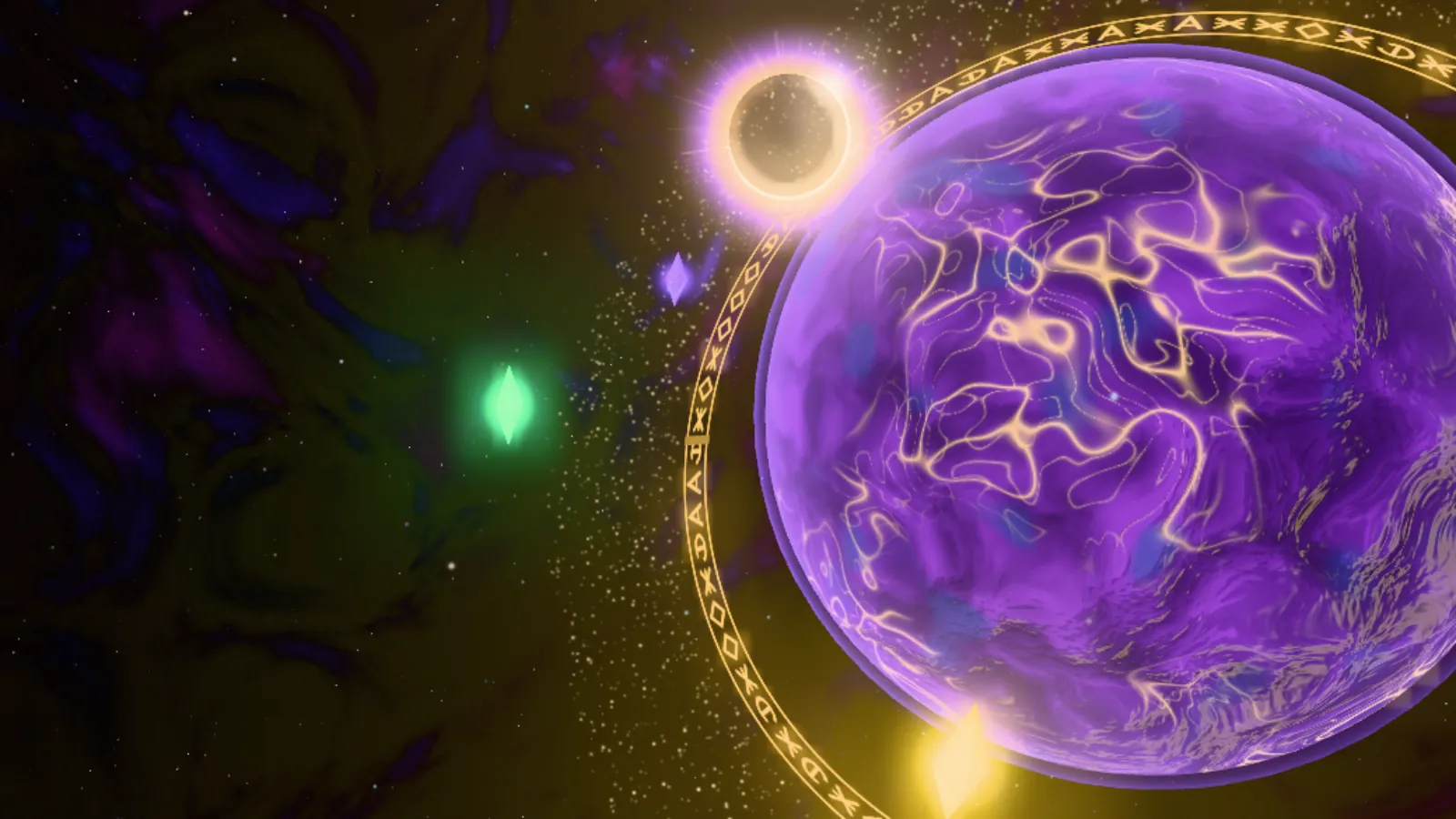
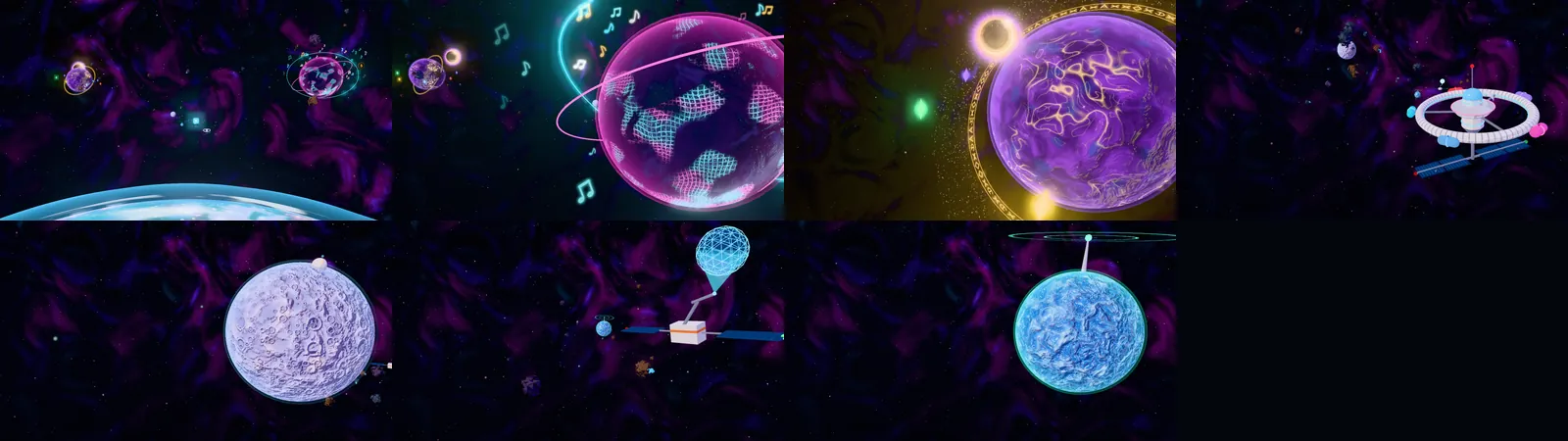
Now, when you scroll, you fly. You leave orbit above home, pass CozyCapitalist’s neon night city and the eclipse-lit world of ECLIPSE: Age of the Arcane, dock at the station where our game-jam entries live, swing by the Studio moon and the Hire Us workshop satellite, and end at an ice world where the devlog and contact live.
Drawn live, in your browser
None of the worlds are photos or pre-rendered videos. They’re drawn in real time with three.js, and each surface is painted with code: layers of noise shape continents, gold rifts and city streets. A toon lighting model gives every planet three soft bands of light and shadows that lean purple instead of going black, and a glow pass makes neon, windows and gold veins bloom.
The camera follows a curve through every stop. It holds while a world’s panel is on screen, then banks and widens its lens as it flies to the next one, so the next world is already growing in view before you arrive.
The first render looked washed out
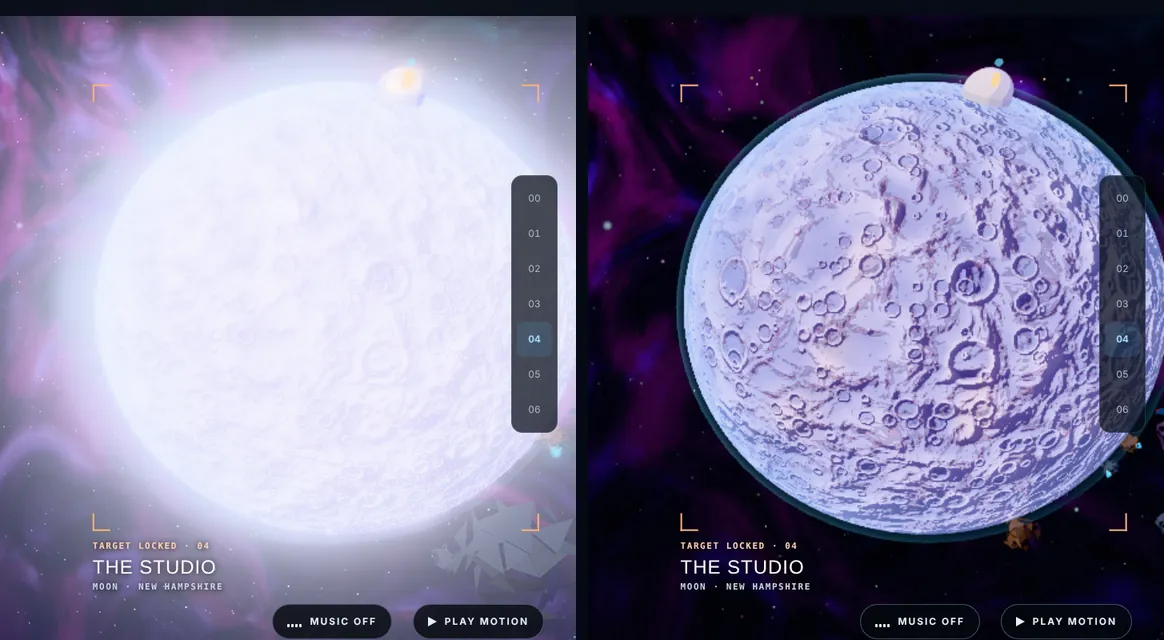
Our first stylized version came out pale and milky, with whole planets glowing white. Two mistakes stacked up. The colours were written in one colour space and treated as another, which lifts every shade toward grey. And the glow kicked in so early that bright surfaces lit up entirely instead of just their neon. Fixing the colour conversion and raising the glow threshold brought the saturated look back.
Making it smooth
The next version looked right but stuttered on some PCs. Every pixel of every planet was recalculating around sixteen layers of noise, every single frame. Now each planet’s surface is painted once, when the page loads, and stored as a texture. After that, a frame only reads the texture and lights it.
A few other changes help on slower machines too. Every shader is prepared up front, so no world hitches the first time it appears. Very large screens get a cap on how many pixels are drawn. If frames still run long, quality steps down within about a second. And if a browser is drawing graphics without the graphics card at all, you get still images and a tip to turn hardware acceleration on.

Curious how it runs on your machine? Add ?fps to the homepage address for a small frame meter.
Rebuilding the station
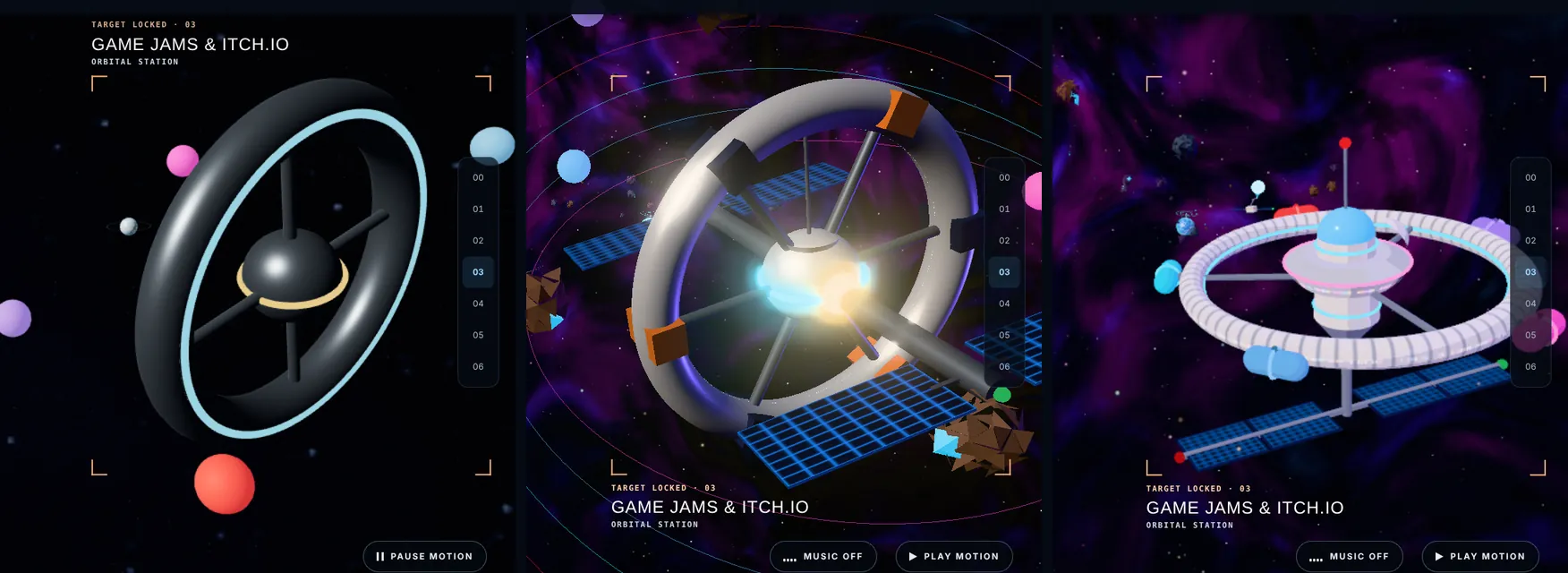
The Game Jams station went through three versions. The first was a dark, bare ring. The second had detail but read as a grey jumble next to the painted planets. The final one uses the same toon shading as the worlds: a glass-domed hub with a saucer deck and neon trim, a ring with panel seams and lit windows, solar wings below, and one coloured pod docked on the ring for each jam game.
CozyCapitalist, then and now
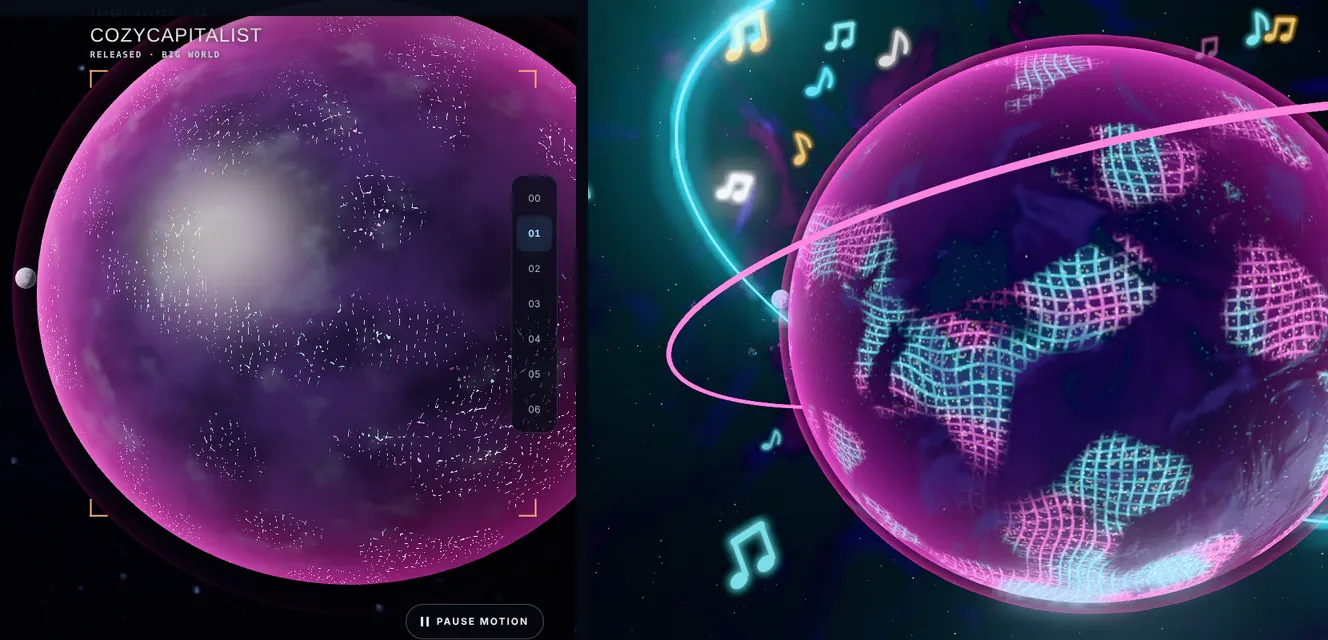
CozyCapitalist’s planet started as a soft pink sphere. Now it’s a night city: neon streets in pink and cyan curve between glowing districts, rain clouds drift over dark seas, two light rails circle it with a gold coin moon, and music notes float off the surface.
The little things
- Music for every world. Turn music on and each stop has its own track: space ambience, lo-fi hip-hop at CozyCapitalist, a fantasy theme at ECLIPSE and calm synthwave at the station. Tracks crossfade as you fly.
- Click a world to land. Click a distant world to fly to it, or click the one you’re at to zoom in and open its page.
- A real lo-fi radio. The CozyCapitalist page now has a working “Lo-fi rain radio” with five tracks.
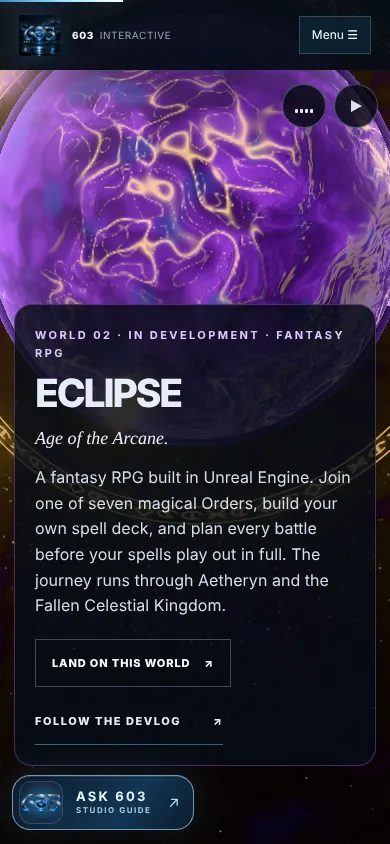
- Phones get the full trip. The world sits above its panel, and the shaders run a little lighter.
What’s next
Next up: screenshots and art from ECLIPSE: Age of the Arcane, the Game Gauntlet results for CozyCapitalist and Forecast: Catastrophe, and more notes here as the worlds grow. If anything on the site runs rough on your device, tell us. We’d love to fix it.
Credits. 3D: three.js (MIT license). Music, all CC0 via OpenGameArt.org: “Another space background track (Observing The Star)” by yd, “Nice Home” and the lo-fi radio tracks from “Relaxing Lo-Fi Songs” by pickentcode, “Fantasy: Rising Moon” by randommind, and “Calm Ambient 2 (Synthwave 15k)” by cynicmusic. Everything else on the homepage is original 603 Interactive work, drawn in code.